December 8, 2024
SchoolCam for Individuals vs School-Wide Deployment

If you’re reading this inside the SchoolCam app, you may have noticed that you’re currently not assigned to a school or team. That simply means you’re using SchoolCam as an individual teacher, which is a great place to start.
But there’s an important difference between individual use and school-wide deployment. And understanding that difference can help you unlock the full potential of SchoolCam.
👩🏫 SchoolCam for Individual Teachers
If you downloaded SchoolCam directly from the App Store or Google Play and subscribed yourself, you’re using it independently.
This allows you to:
• Capture school photos without mixing them with your personal library
• Keep classroom photos organized
• Use your existing school Google Drive account
• Maintain better separation between personal and professional content
For many teachers, this is already a big improvement over using the native camera app.
However, when used individually:
• You are not part of a shared school structure
• There are no shared folders with other staff
• Leadership does not have centralized visibility
• Collaboration is limited
It works, but it’s only a fraction of what SchoolCam can do.
🏫 SchoolCam for the entire School
Most schools using SchoolCam deploy it across the entire organization.
With a school-wide setup:
• An admin creates a central school account
• All teachers are assigned to the school
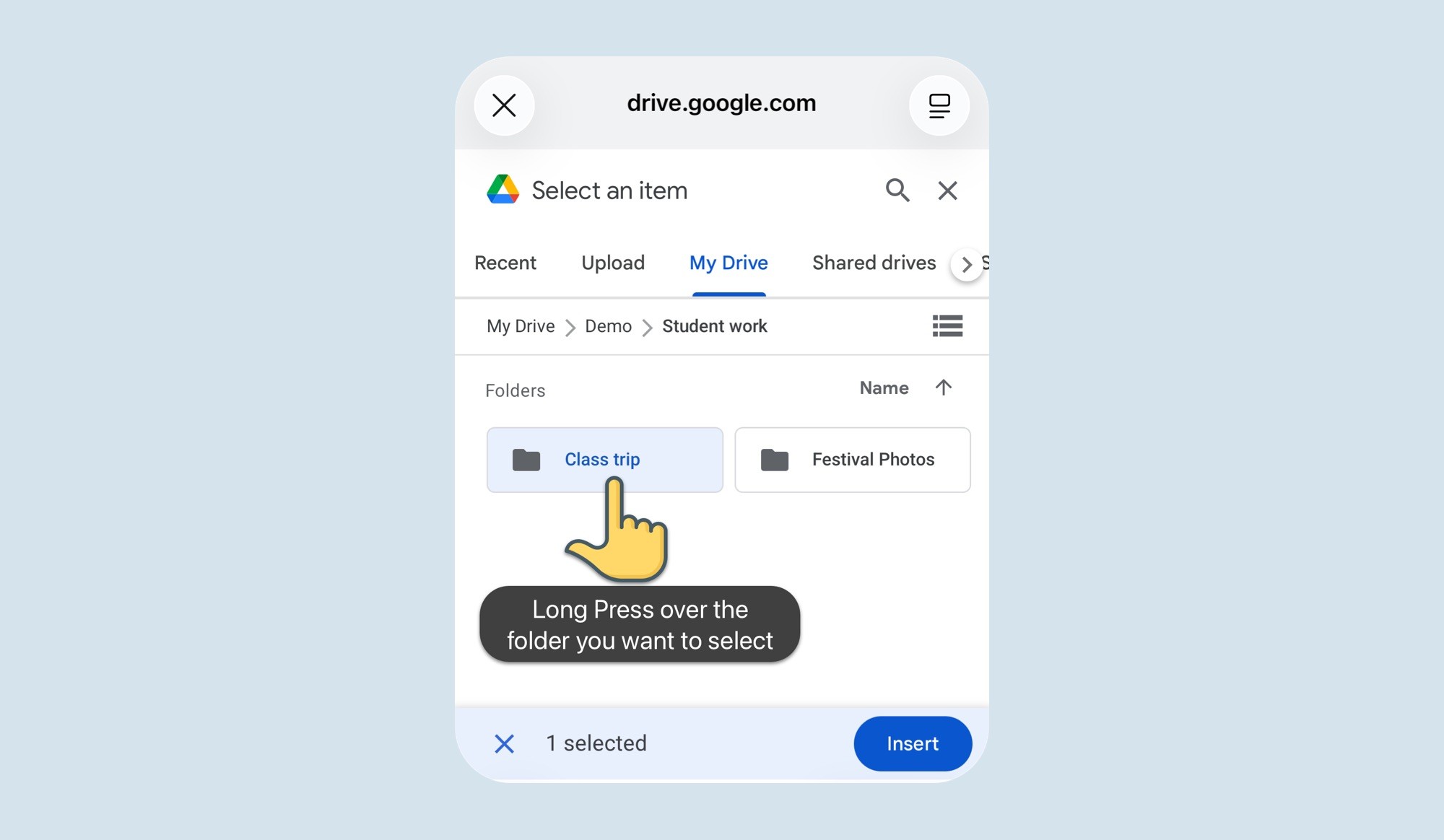
• Photos automatically upload to the school’s Google Drive
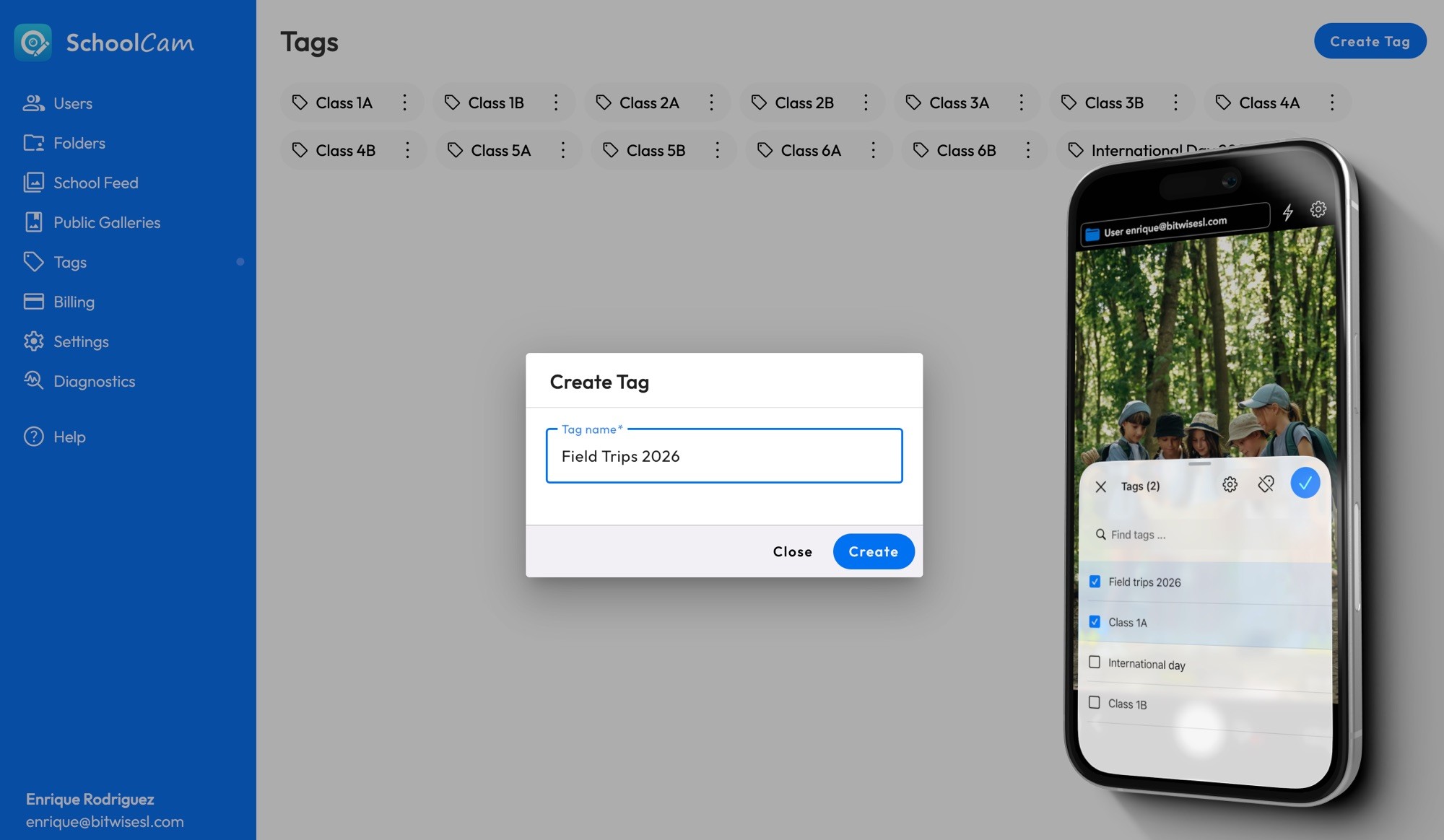
• Shared folders can be created for events, trips, departments, or year groups
• Leadership and communications teams have immediate access
• No student photos remain on personal devices
• Everything stays under school control — no third-party storage
This is where SchoolCam truly shines.
Instead of individual photo collections, the school builds a structured, compliant, centralized photo system.
How to Bring SchoolCam to Your School
You can help your school benefit from:
• Centralized photo management
• Better compliance
• No photos stored on personal devices
• Direct upload to your school’s Google Drive
• Easier access for newsletters, social media, and yearbooks
We recommend sharing SchoolCam with:
• Your IT administrator
• Your school leadership team
• Your communications department
Simply tell them you’re already using SchoolCam and would love to see it rolled out school-wide.
If they’d like more information, they can visit:
Or contact us directly, we’re always happy to help schools explore the best setup for their needs.