August 12, 2024
A Safer Way to Manage School Photos
When schools look for a way to manage photos, they often end up evaluating generic “school photo platforms” that store images on their own third-party servers. At first glance, that seems convenient.
But there’s a big difference between using another company’s storage and using your school’s own cloud infrastructure.
That’s exactly where SchoolCam stands apart.
SchoolCam Uses Your Existing Google Drive — Not Third-Party Servers
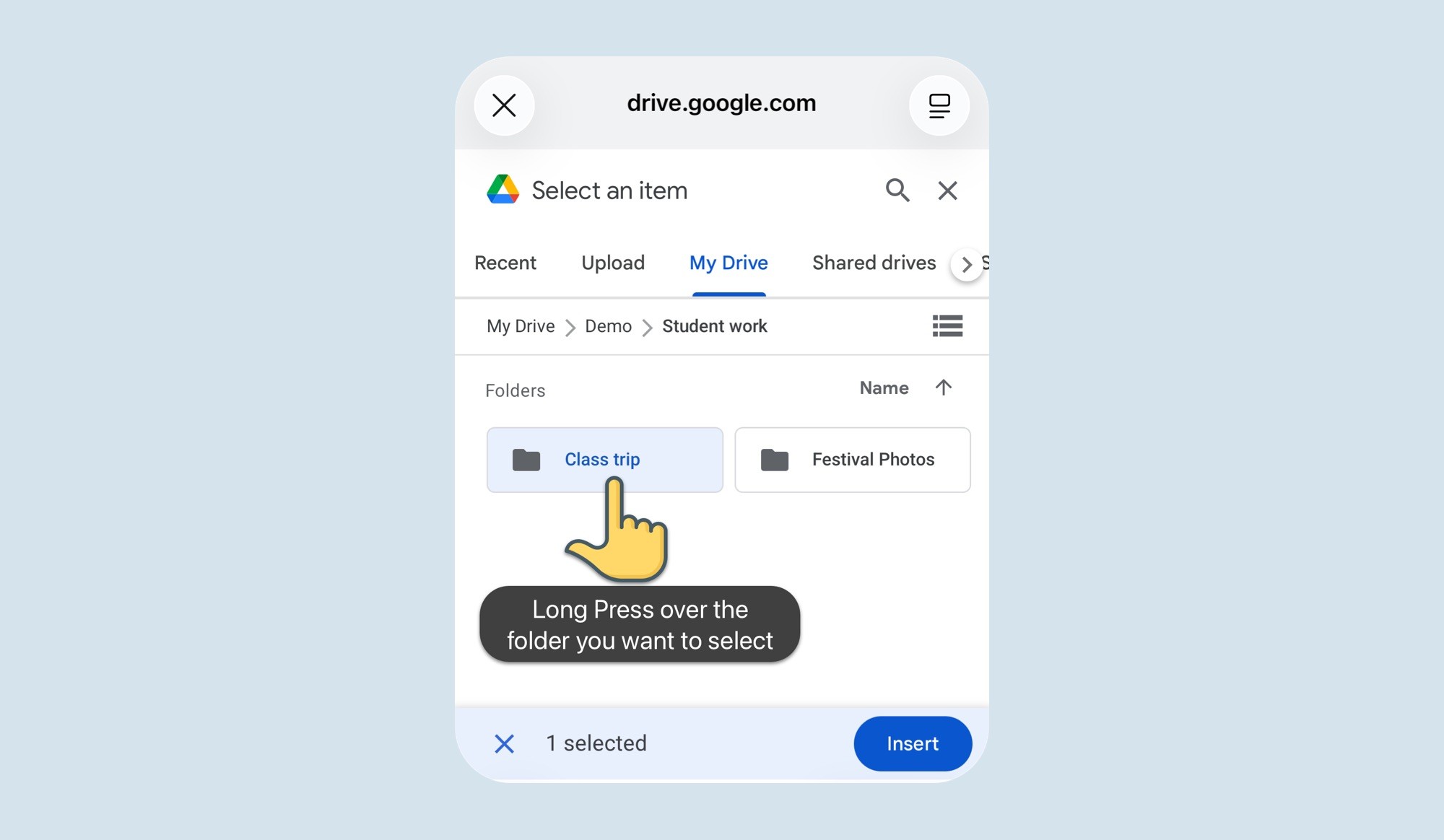
With SchoolCam, every photo is uploaded directly to your school’s Google Drive account.
There are:
• No intermediary servers
• No external photo databases
• No student images stored on third-party platforms
Photos go straight from the device into the school-controlled Google Drive.
Most other services work differently. They store your students’ photos on their own servers, and you are effectively renting space inside their system. That introduces additional compliance considerations, contracts, and potential risks.
SchoolCam eliminates that layer entirely.
Your School Owns the Data — Fully
Because images are stored in your existing Google Drive:
The school owns the files
The school controls permissions
The school manages access
The school can remove or reassign access instantly
There’s no dependency on an external vendor’s storage policies. If a staff member leaves, access is handled exactly the same way it already is inside Google Workspace.
For IT administrators, this is a major advantage:
There’s no new storage environment to audit, secure, or maintain.
Built on Infrastructure You Already Trust
Most schools already rely on Google Workspace for:
• Classroom collaboration
• Shared drives
• Document storage
SchoolCam simply connects to that existing ecosystem.
There’s no need to:
• Set up a separate storage provider
• Configure a new permission system
• Train staff on a new backend
• Sign additional data processing agreements for photo hosting
It’s already part of your infrastructure.
Easier Compliance & Lower Risk
Because photos stay inside the school’s own Google Drive:
• Student images are not stored on third-party servers
• Data remains within the school’s controlled environment
• IT administrators retain oversight
• Existing Google Workspace security and compliance standards apply
For school leadership, this significantly reduces compliance complexity and risk exposure.
Instead of evaluating whether an external photo platform meets regulatory requirements, you’re continuing to use infrastructure that’s already vetted and approved by your institution.
No New Accounts to Manage
Another key difference:
Users don’t create new accounts.
Teachers and staff simply log in with their existing school-provided Google account.
That means:
• No additional usernames and passwords
• No parallel user database
• No separate account management
• No forgotten credentials
User provisioning works exactly as it already does in Google Workspace. If someone has a school Google account, they can use SchoolCam.
Migration Is Simple — Because You Own the Files
With many platforms, migrating away can be difficult because:
• The vendor stores your data
• Exports may be limited
• Folder structures don’t transfer easily
With SchoolCam, your photos are already in your Google Drive.
If you ever decide to reorganize, change structure, or stop using the app, your files remain exactly where they are — inside your school’s storage.
There is nothing to “extract” from a third-party system.
A Smarter Approach to School Photo Management
SchoolCam isn’t another storage provider.
It’s a secure capture layer built on top of your existing cloud infrastructure.
By using your school’s own Google Drive:
• You reduce risk
• You simplify compliance
• You avoid third-party storage
• You keep full ownership and control
• You make life easier for IT and administrators
In a world where student data protection matters more than ever, the safest place for school photos is inside the system your school already manages and trusts.
That’s the difference.