September 16, 2024
How SchoolCam Makes Managing School Trip Photos Simple

School trips are some of the most memorable moments of the school year. Whether it’s a museum visit, a nature excursion, or an international trip, teachers and staff capture dozens — sometimes hundreds — of photos throughout the day.
But once the trip is over, managing those photos can quickly become messy:
• Photos scattered across personal devices
• WhatsApp groups full of compressed images
• Emails flying back and forth
• The communications team chasing teachers for pictures
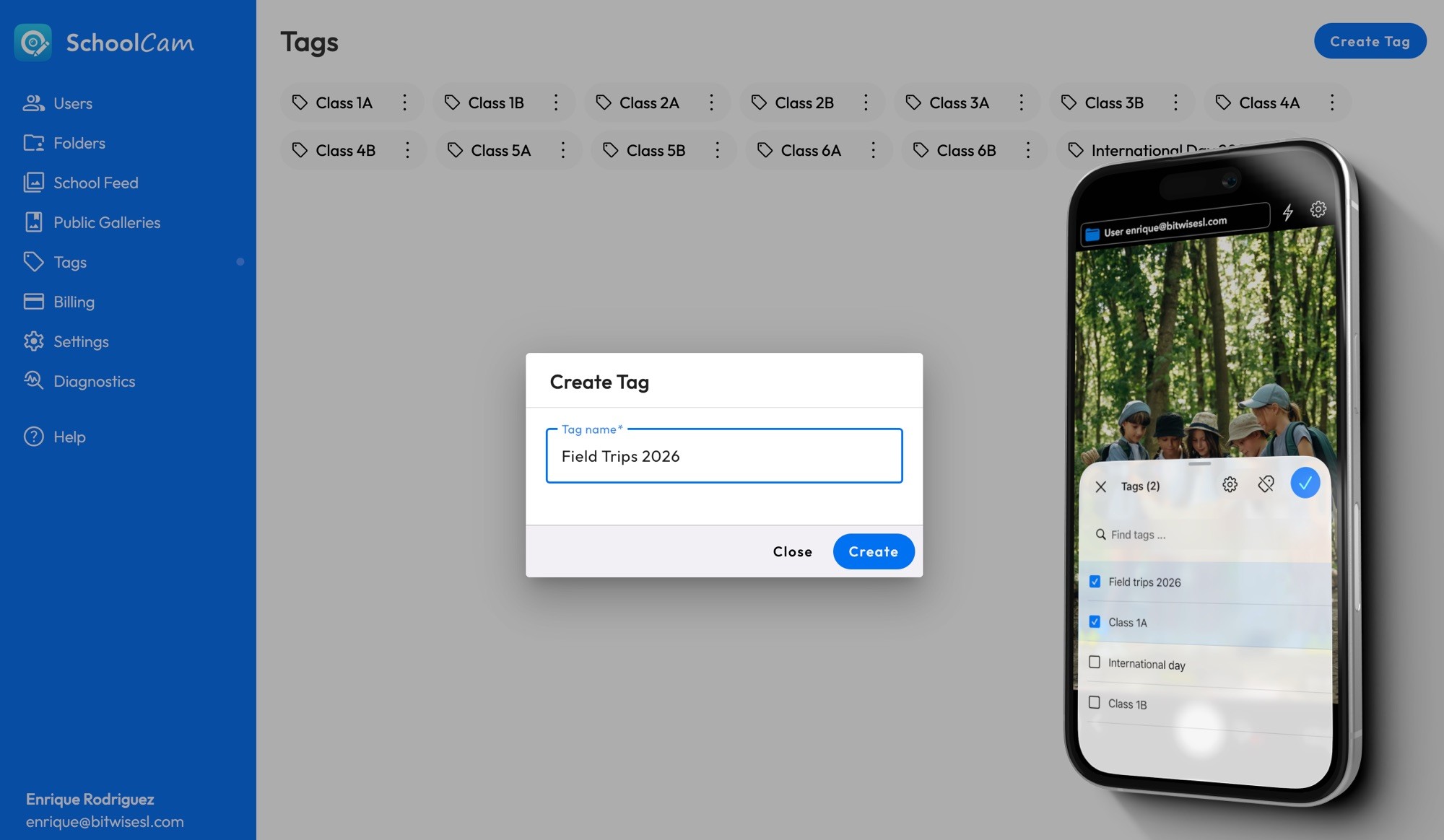
With SchoolCam, organizing school trip photos is fast, structured, and fully under the school’s control.
A Simple 4-Step Process
Managing photos for a school trip with SchoolCam is incredibly straightforward:
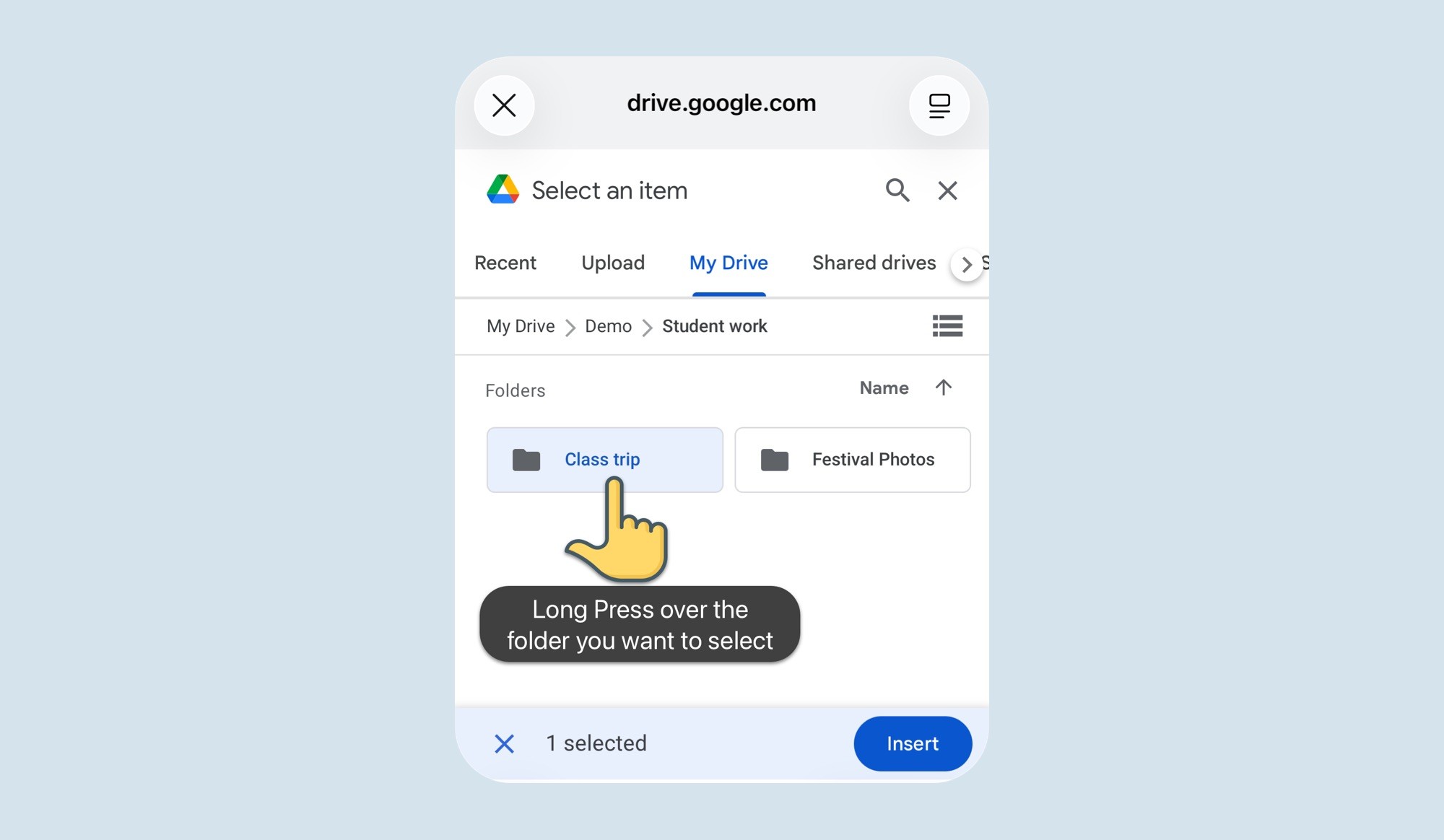
1️⃣ Create a Shared Folder in the Admin Panel
From the SchoolCam admin portal, simply create a dedicated folder for the trip — for example:
“Grade 5 – Science Museum – March 2026”
This folder is created directly inside the school’s own Google Drive.
2️⃣ Assign the Teachers and Staff
Select the teachers and staff members who will attend the trip and assign them to that folder. No extra accounts needed — they simply log in with their existing school Google account.
3️⃣ The Folder Appears in the Mobile App
Once assigned, the folder automatically appears on the home screen of the SchoolCam app (iOS and Android) for those users.
No searching. No confusion. No manual setup.
4️⃣ Start Taking Photos
Teachers simply:
• Open the app
• Select the trip folder
• Start taking photos
Every image is automatically uploaded and organized in the correct school trip folder.
All Trip Photos in One Secure Location
By the end of the trip:
✅ All photos are already centralized
✅ Nothing is stored on personal devices
✅ No third-party servers are involved
✅ The school maintains full control through its own Google Drive
There’s no need to collect files afterward — everything is already where it should be.
Immediate Access for Communication
Because all photos are instantly available in the shared Google Drive folder:
• The communications team can quickly create newsletters
• Social media posts can go live the same day
• Parents can be informed faster
• Yearbook teams can access high-quality originals
• Leadership has visibility into school-wide activity
No more chasing photos. No more waiting days for uploads.